
Traditional Home
- Multiple individual switches
- Manual curtains
- Separate compatible-device remotes
- Repeated room-by-room routines
- No shared scene control
Step into EEE's interactive digital Home & Building Automation experience and see how lighting, sensing, curtains, comfort, entry and intelligent control can work together.
Choose a zone, test a scene and select the numbered control points. Every response is a simulation of a possible design conversation—not a product specification or a completed EEE project.
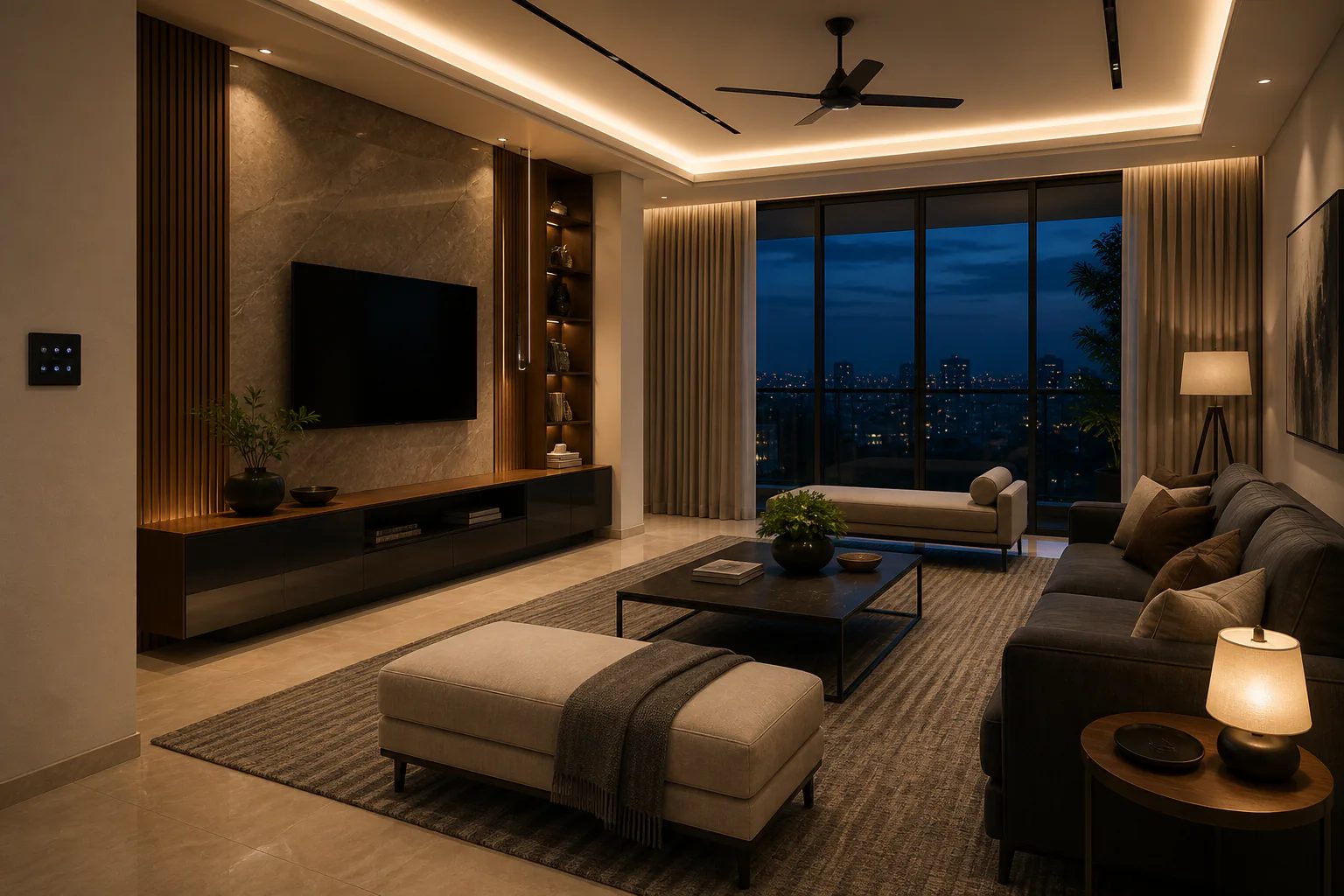
Select a room on the plan or use the room rail. The visual, scenes and example control points update together.
Change the lighting, curtain position, selected IR comfort setting and scenes. The environment responds immediately so the logic is easier to understand.
Lights: On · Brightness: 80% · Curtain: Open · 24°C
Move the slider to compare a traditional routine with an example connected approach. Final controls always depend on the selected system and project design.
Traditional HomeEEE Smart Home ConceptScroll through one example day. These scenes illustrate possible logic; the final sequence, devices and integrations are defined during project design.
Curtains open, selected lighting rises gradually and the room prepares for the day.
Selected lights turn off and controlled zones move to their reviewed away state.
Entry and living zones prepare an example arrival scene with coordinated lighting.
Task lighting softens and the shared space moves into a warmer scene.
The room reduces glare and selected compatible IR controls can join the scene.
Selected lights turn off, curtains close and the home returns to its planned night state.
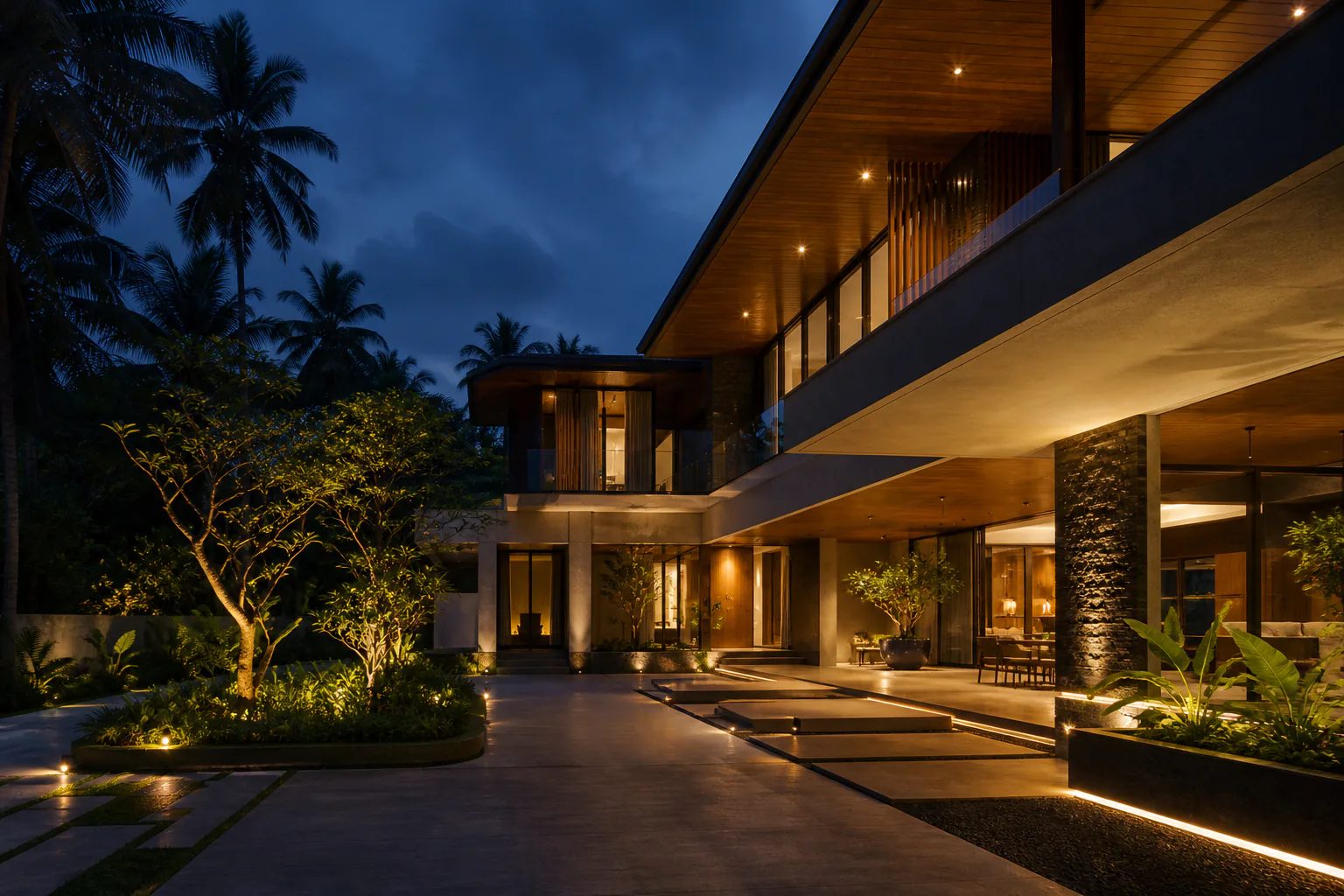
Enter a focused interface and operate a disclosed simulation of home or building control. Values are illustrative and do not represent a connected EEE site.
A balanced everyday state.
Focused digital simulation — not live site telemetry or a product specification
Build a short, capability-level brief for an EEE consultation. This tool does not select products, confirm compatibility or generate pricing.
Final architecture, products, compatibility, ratings and commercial scope require EEE review.
The right interface depends on the people, space and selected automation system.
Familiar wall-based control for selected loads and scenes.
Bring supported room controls into a compatible mobile or web interface.
Voice-platform compatibility must be confirmed for the selected system.
Motion, presence and occupancy can trigger reviewed responses.
Repeat useful routines at the right time.
Coordinate several compatible actions from one command.
Bring reviewed zones into one commercial-control view.
Remote access depends on the selected system and connectivity design.
Each category is discussed at capability level. Models, ratings, protocols, compatibility and warranty terms are confirmed before specification.
Switching, dimming, scenes and schedules for reviewed lighting circuits.
Discuss this capabilityCurtain and blind movement integrated with compatible control hardware.
Discuss this capabilitySelected IR-based device control after compatibility review.
Discuss this capabilityVisitor communication and entry-interface categories.
Discuss this capabilityCompatible gate movement integrated into the control plan after safety review.
Discuss this capabilityMotion, presence, occupancy and broad environmental sensing categories.
Discuss this capabilitySelected water-level applications where the approved system supports them.
Discuss this capabilitySelected compatible IR-based device control.
Discuss this capabilityConnected interfaces, scenes and schedules for reviewed commercial zones.
Discuss this capabilityElectrical planning, low-voltage consultancy and lighting/control coordination in context.
Discuss this capabilityOnly environments supported by current EEE material are shown here.
Everyday lighting, curtains, sensing, comfort and entry conversations.
Coordinated control across selected interior and exterior zones.
Practical scenes and controls shaped around available wiring and project stage.
Early requirement review and coordination for repeatable residential needs.
Lighting zones, occupancy logic, schedules and usable central controls.
Guest-facing and operating-area control conversations.
Lighting scenes, sensing and control for customer-facing spaces.
Coordinated display lighting, scenes and simple control pathways.
The value comes from a system that fits the space and the people using it.
Shape light, curtains and selected comfort controls around the moment.
Reduce repeated actions through useful scenes.
Use schedules and occupancy logic to avoid unnecessary controlled operation.
Keep familiar manual control and define clear automated behaviour.
Bring video entry, visitor communication and gate control into the plan.
Choose interfaces and scenes that reduce avoidable steps.
Coordinate supported zones from reviewed interfaces.
Plan wiring and control pathways before choices become difficult to change.
Every stage is confirmed in context; this sequence does not replace a project scope or proposal.
Understand the space, people and intended experience.
Explore the digital simulation or request a guided demonstration.
Review the automation architecture and control logic.
Confirm product selection and commercial scope.
Implement the approved project scope.
Configure confirmed scenes, logic and integrations.
Commission the system and explain its operation.
Confirm the applicable post-handover support route.
Request a guided in-person automation demonstration with an EEE specialist. Venue, available format and time are confirmed after EEE reviews the request.
No physical Experience Center address or public opening hours are published. Do not travel until EEE confirms the venue and appointment.
Request a guided remote demonstration. EEE will confirm the communication platform, available format and time after reviewing the enquiry.
EEE will confirm the communication platform, available format and time after reviewing your request.
Share the space, project stage and intended control experience. A finished specification is not required.
New home · Renovation · Villa · Apartment · Hospitality · Commercial building · Office · Retail · Builder / developer
These answers stay at category level. The final design depends on site conditions and approved product information.
Home automation coordinates compatible controls such as switching, lighting, curtains, sensing, selected IR-based devices and entry interfaces so they can respond through scenes, schedules or approved connected controls.
Often, selected zones or functions can be reviewed for an existing home. Feasibility depends on wiring, available space, loads, connectivity and the chosen system, so a site-specific review is required.
Some approaches may reuse parts of an existing installation, while others need new wiring or modules. EEE must review the current electrical context before confirming an approach.
Remote control is possible only when the selected system, device compatibility and connectivity design support it. The exact interface is confirmed before specification.
A well-planned system can retain local or manual control for selected functions, but offline behaviour varies by architecture and product. It must be confirmed for the chosen system.
Compatible lighting and curtain controls can be coordinated in an example scene when the motor, controller, wiring and selected automation system support the required logic.
EEE's documented category-level conversations include offices, retail, showrooms, hospitality and other supported commercial spaces, particularly lighting, sensing, schedules and connected control.
Early planning gives the most freedom for wiring, control locations and coordination, but renovation and existing-space options can still be reviewed.
Submit the request form with your city, project type and preferred date and time. EEE will confirm whether an in-person format is available, along with the venue and appointment.
Yes. Use the remote-demo request. EEE will confirm the supported communication platform, format and time.
Implementation, programming, commissioning and support must be confirmed in the approved project scope and commercial process. The website does not create a service or warranty commitment.
No. They are disclosed concept environments and simulated category-level controls. They are not proof of a completed EEE project, current model, company facility or technical specification.
Now request a guided demonstration or bring your project requirements to the EEE automation team. Venue, format and appointment remain subject to confirmation.
ELECTRIC EDGE ENGINEERING PRIVATE LIMITED